
Aperty vs Evoto: welke past bij jou?
Een geweldige portretfoto-editor kiezen zonder een fortuin uit te geven kan echt moeilijk zijn. Daarom hebben we een gids opgesteld om twee van de populairste foto-editors te vergelijken: Evoto en Aperty.
Detailed Comparison of Key Features
Both Evoto and Aperty are powerful tools for photographers. However, they still serve different purposes. Let’s discuss the standout characteristics of both to see how they stack up.

Interface
Aperty’s design is clean and intuitive, so it is easy to navigate for photographers who like hands-on control. Evoto, on the other hand, keeps it simple with AI-powered automation—great for beginners but less customizable for advanced users.

Pricing
Aperty keeps it budget-friendly with a one-time purchase or a subscription plan. This makes it a cost-effective choice for editors handling large volumes of work. Evoto’s credit-based system can add up quickly, especially if you edit frequently.

AI Tools
Aperty gives you the best of both worlds: powerful AI tools with creative freedom to fine-tune every detail. Evoto leans heavily on automation, offering fast, slider-based edits that handle imperfections quickly. While this speeds things up, it can feel limiting if you want more control.

Portrait Editing Capabilities
Aperty excels at portrait retouching with 3D face mesh technology and up to 4,000 facial points for precise adjustments. You get full control over makeup, blemishes, and facial tweaks, and achieve natural, professional results. Evoto offers quick, automated retouching but lacks the precision and flexibility serious editors need.

Offline vs Cloud
Aperty works offline, letting you edit anywhere, anytime. It’s a big win for photographers working in remote locations or on the go. Evoto is cloud-based, so you’ll need an internet connection—not ideal if you’re frequently editing away from Wi-Fi.

Plugin Integration
Unlike Evoto, which operates only as a standalone application, Aperty supports plugin integration, enhancing its versatility. This allows you to seamlessly incorporate Aperty into your existing workflow, improving it without the need for a complete overhaul.
Aperty vs Evoto: A Side-by-Side Comparison
 APERTY
 EVOTO
EVOTOA tool that fits, not fights.
Retouch thousands without leaving your workflow.


Natural Skin Retouch
No plastic skin — natural smoothing, blemish cleanup, dark circle and wrinkle correction.
Lightroom & Photoshop Plug-in
Retouch inside Ps or Lr without round-tripping or clumsy exports
Offline & Private
Enjoy secure editing from anywhere with Aperty’s on-device capabilities.
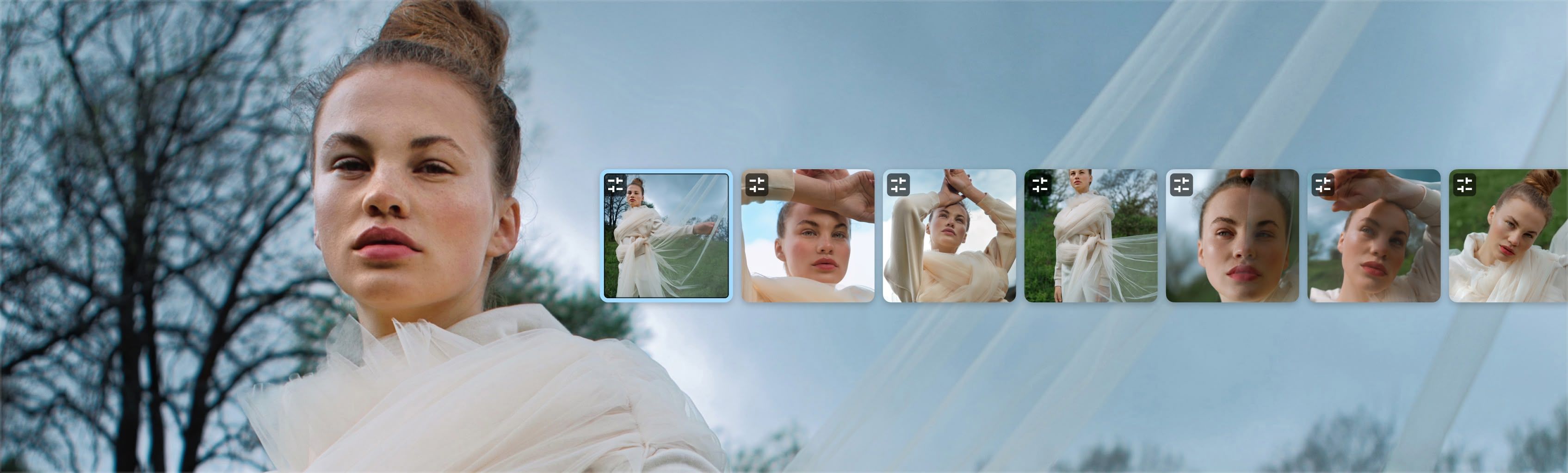
Batch Sync
Keep every portrait consistent — apply edits once and update across the whole set in seconds.

Reclaim your evenings. Grow your business.
Batch retouching, natural results, and presets tuned by professionals. Stop editing alone. Start scaling.
Vraag een demo aanFAQ
Aperty should work on your computer as long as it meets the following minimum system requirements. For Mac: MacBook, MacBook Air, MacBook Pro, iMac, iMac Pro, Mac Pro, Mac mini, early 2010 or newer CPU Intel® Core™ i5 8gen or better, including the M1/2/3 chip. Memory 8 GB RAM or more (16+ GB RAM is recommended) macOS 12 or higher. IMPORTANT: macOS 11 is not supported. Hard disk 10 GB free space; SSD for best performance Display 1280x768 size or better For Windows: Windows-based hardware PC with mouse or similar input device CPU Intel® Core™ i5 8gen or better, AMD Ryzen™ 5 or better Open GL 3.3 or later compatible Graphics Cards Memory 8 GB RAM or more (16+ GB RAM is recommended) Operating System Windows 10 version 1909 or higher (only 64-bit OS). Hard disk 10 GB free space; SSD for best performance Display 1280x768 size or better