
Aperty vs Capture One: การเปรียบเทียบอย่างละเอียด
ที่ Skylum เราเข้าใจว่าการหาโปรแกรมแก้ไขภาพที่ดีและเหมาะกับความต้องการของคุณอาจเป็นเรื่องยาก นั่นคือเหตุผลที่เราสร้างคู่มือ Aperty vs Capture One ที่มีโครงสร้างชัดเจนและตรงประเด็นนี้ขึ้นมา! หวังว่าจะช่วยให้คุณตัดสินใจได้อย่างมีข้อมูล
Key Feature Comparison
How do we find the better option? Of course, by evaluating key features. Both Aperty and Capture One offer powerful photo editing capabilities, but they serve different user needs. Let’s break it down:

Interface and Workflow Efficiency
Let’s be honest: we judge a book by its cover. Otherwise, why would cover designers exist? The same applies to the user interface. Aperty features a clean and intuitive design, making it easy to navigate while providing hands-on control over edits. Capture One, while highly customizable, has a steeper learning curve and is better suited for advanced users.

Pricing
Pricing is also a crucial factor when choosing photo editing software. After all, no one wants to overpay, right? Aperty offers a one-time purchase with a year of updates and a budget-friendly subscription. Capture One also has a perpetual license, but it’s pricier and only includes the current version, while its subscription plans provide ongoing updates at a higher cost.

AI Tools vs Manual Editing
Another key factor to consider is the availability of AI features. It’s hard to imagine how we managed without them in the past. Aperty integrates top-notch AI-powered tools with manual fine-tuning. Capture One, on the other hand, prioritizes manual precision editing. It offers advanced layer-based adjustments that Aperty currently lacks.

Portrait Editing Capabilities
Aperty is primarily designed for portrait editing. It features advanced 3D face mesh technology with over 4,000 facial points, enabling highly precise adjustments. Users can refine makeup, remove blemishes, adjust facial structure, and more. Capture One, while offering layer-based skin adjustments and healing tools, lacks automated AI-driven facial enhancements.

Color Grading and Adjustments
Capture One is widely recognized for its industry-leading color grading tools. It provides unparalleled control over RAW file conversion, tone curves, and HDR adjustments. Aperty, in contrast, offers solid AI-driven color correction tools that deliver quick results with less manual fine-tuning.
Aperty vs Capture One: Feature Comparison Table
 APERTY
 Capture One
A tool that fits, not fights.
Retouch thousands without leaving your workflow.


Natural Skin Retouch
No plastic skin — natural smoothing, blemish cleanup, dark circle and wrinkle correction.
Lightroom & Photoshop Plug-in
Retouch inside Ps or Lr without round-tripping or clumsy exports
Offline & Private
Enjoy secure editing from anywhere with Aperty’s on-device capabilities.
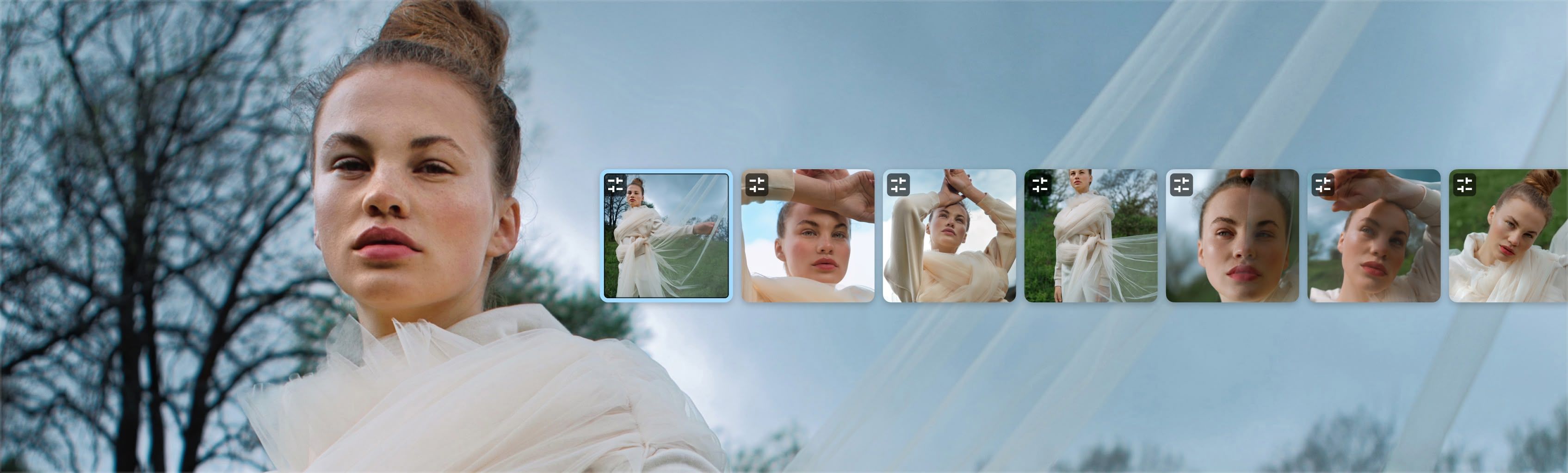
Batch Sync
Keep every portrait consistent — apply edits once and update across the whole set in seconds.

Reclaim your evenings. Grow your business.
Batch retouching, natural results, and presets tuned by professionals. Stop editing alone. Start scaling.
Start freeFAQ
Aperty should work on your computer as long as it meets the following minimum system requirements. For Mac: MacBook, MacBook Air, MacBook Pro, iMac, iMac Pro, Mac Pro, Mac mini, early 2010 or newer CPU Intel® Core™ i5 8gen or better, including the M1/2/3 chip. Memory 8 GB RAM or more (16+ GB RAM is recommended) macOS 12 or higher. IMPORTANT: macOS 11 is not supported. Hard disk 10 GB free space; SSD for best performance Display 1280x768 size or better For Windows: Windows-based hardware PC with mouse or similar input device CPU Intel® Core™ i5 8gen or better, AMD Ryzen™ 5 or better Open GL 3.3 or later compatible Graphics Cards Memory 8 GB RAM or more (16+ GB RAM is recommended) Operating System Windows 10 version 1909 or higher (only 64-bit OS). Hard disk 10 GB free space; SSD for best performance Display 1280x768 size or better