
Unlimited retouching.
No credits.
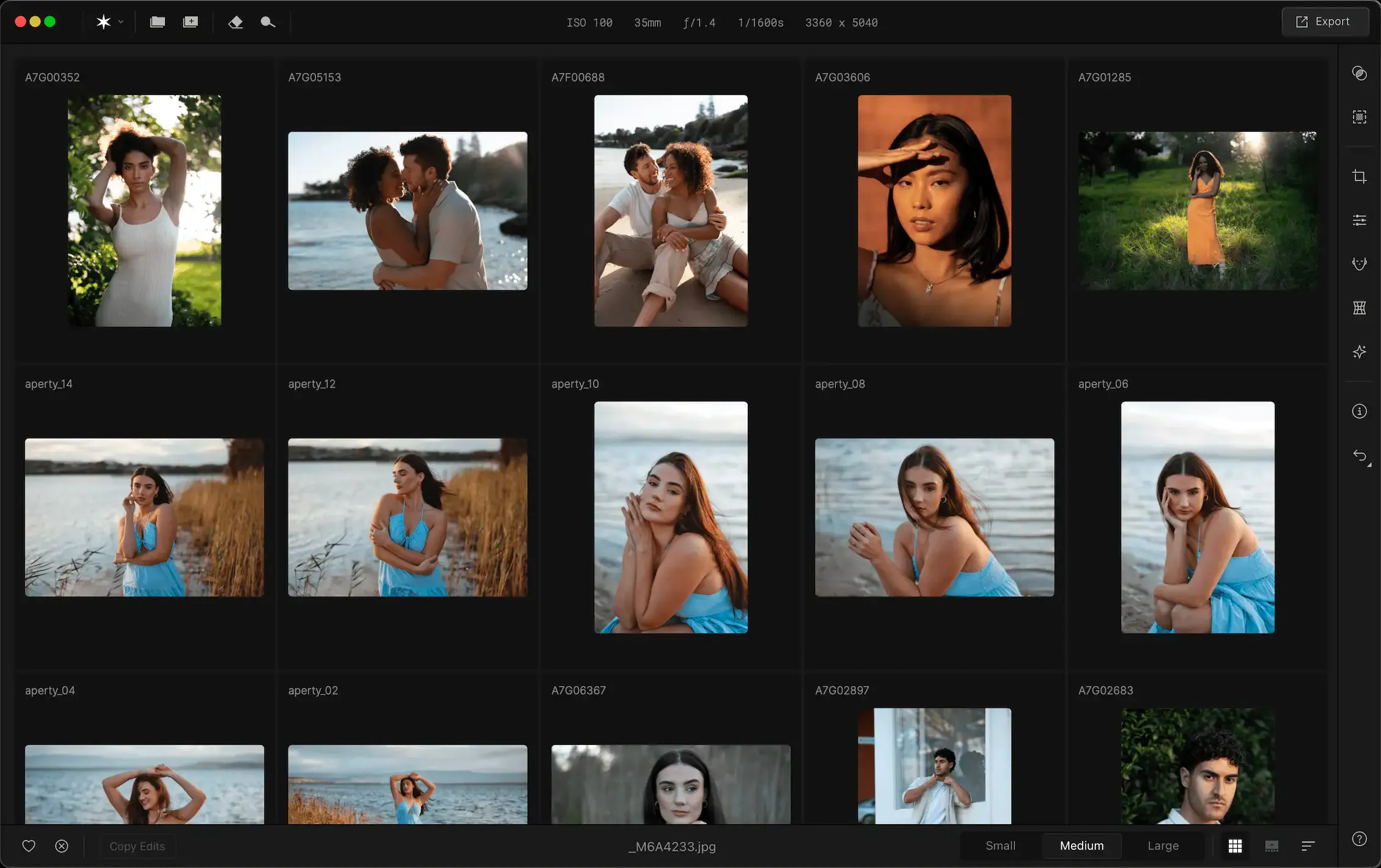
Aperty batch-retouches your portraits right on your desktop — Mac or Windows. Edit as many as you want, keep every shot consistent, and get your evenings back.
Backlogs are killing your time.
Every shoot adds hidden hours you can’t bill for.
Average time solo photographers spend retouching a single wedding
A tool that fits, not fights.
Retouch thousands without leaving your workflow.


Natural Skin Retouch
No plastic skin — natural smoothing, blemish cleanup, dark circle and wrinkle correction.
Lightroom & Photoshop Plug-in
Retouch inside Ps or Lr without round-tripping or clumsy exports
Unlimited & on your computer
Edit as many photos as you want, fully offline on Mac or Windows. No per-image credits, no uploads — your files never leave your machine.
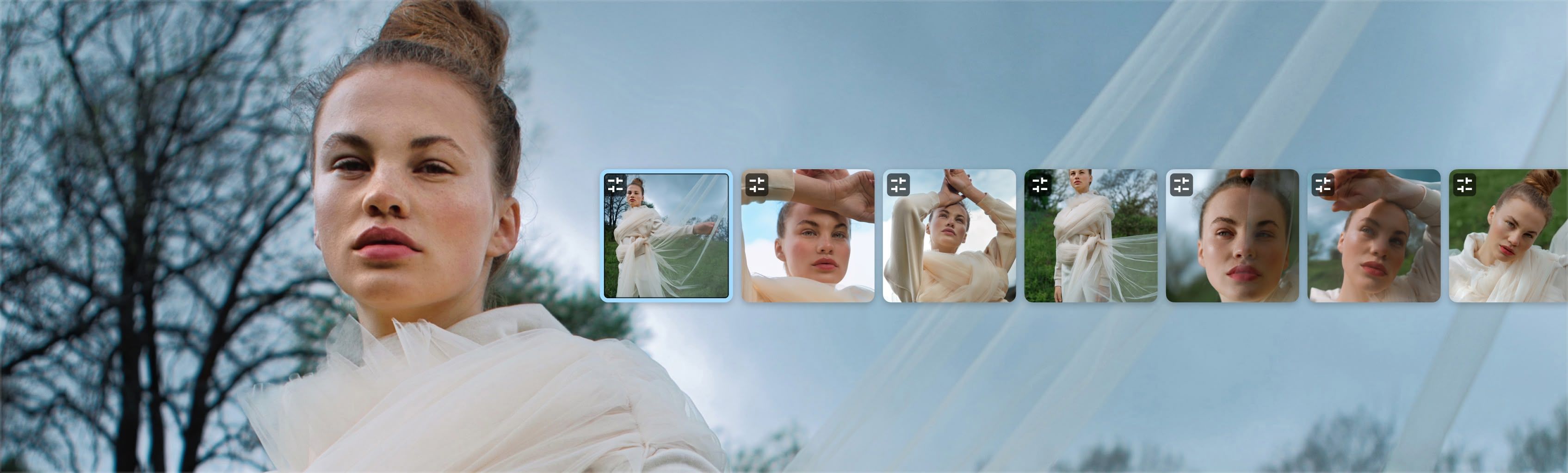
Batch Sync
Keep every portrait consistent — apply edits once and update across the whole set in seconds.
Minutes, not months.
From import to delivery in four steps.
Real photographers, real relief.

For me it’s freedom: less hours in front of a screen, more time with my kids.


Aperty is the portrait editing software I’ve always dreamt of creating to help save time retouching while maintaining professional results.


I did a side-by-side test with Photoshop – Aperty actually looked better.


Your portrait editing continues in Luminar
Aperty closes on November 4, 2026. Thank you for creating with us — Luminar is where our whole team is now focused.
Discover LuminarFrequently Asked Questions
No. Aperty runs on your own computer — Mac or Windows — with unlimited editing. Retouch as many photos as you want, with no per-image credits and no monthly caps.
Of course! You can easily adjust skin tone in the Aperty editor.
Yes. You can add and use your own custom presets in Aperty.
Aperty portrait photo editor works both as a standalone program and as a plug-in for Photoshop, macOS Photos, and Lightroom.
Use Aperty’s portrait photo editing software to enhance facial features, colors, and remove imperfections, showing your subjects in their best light.
The AI portrait editor Aperty has a unique toolkit of features that can help you enhance your portraits with ease. You’ll find features designed for creating fantastic portraits – for reshaping, retouching, blemish removal, adding make-up, and more.
You’ll find features for iris color enhancement, iris flare, eye whitening, eye enlargement, removing redness, and more.
You’ll find a variety of portrait enhancement tools for retouching skin, eyes, faces, and facial features. Reshaping bodies and faces. As well as additional creative tools to make your portraits stand out.
No, but you can select background area in masking and adjust it.